> ## Documentation Index
> Fetch the complete documentation index at: https://docs.fastgen.com/llms.txt
> Use this file to discover all available pages before exploring further.
# Connect external DB
## Connect your own DB
If you already have an existing database set up, you have the option to replace the default hosted database with your own PostgreSQL instance.
When you link an external database, we do not automatically transfer your existing table structures or data. Additionally, we preserve the Fastgen database, ensuring that if you disconnect your external database, you can seamlessly regain access to the Fastgen database.
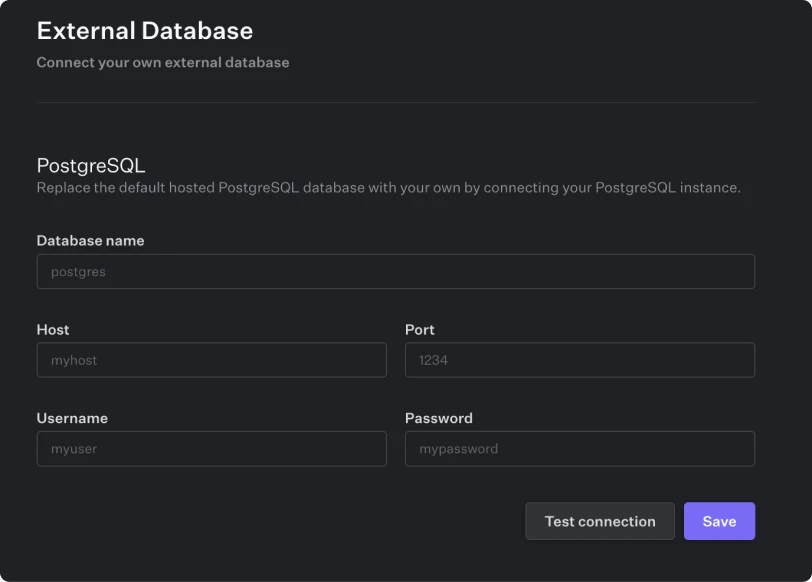 Navigate to *Project Settings* and select *External Database* to enter your database credentials. Once the connection is enabled, you can use the DB QUERY ACTION in your APIs & Workflows to interact with the connected database and its corresponding tables.