> ## Documentation Index
> Fetch the complete documentation index at: https://docs.fastgen.com/llms.txt
> Use this file to discover all available pages before exploring further.
# Time-based
**Create your first time-based workflow (or cron job).**
## Overview
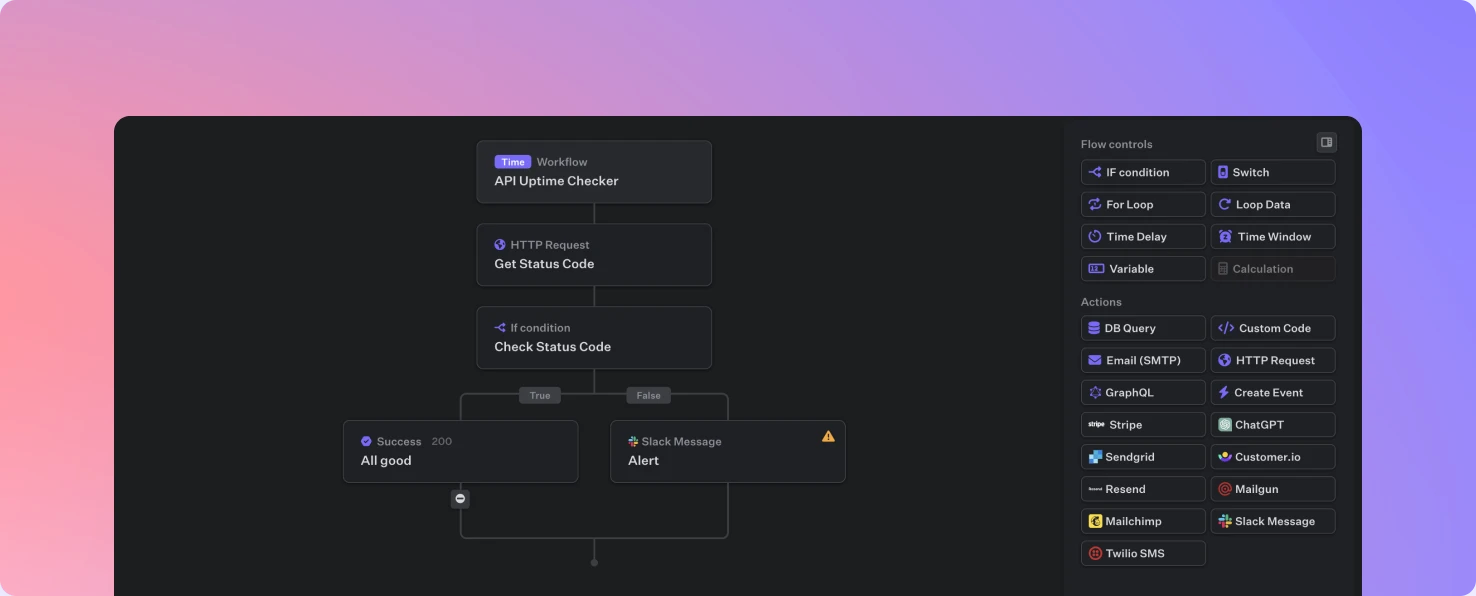
Utilizing the same drag and drop interface as the [API Builder](/getting-started/first-api-route) Fastgen enables you to quickly create, test and deploy scheduled and repeating jobs.
### Let's build a cron job
Navigate to *Workflows* on the left side bar, click *Add workflow* and choose `Time`.
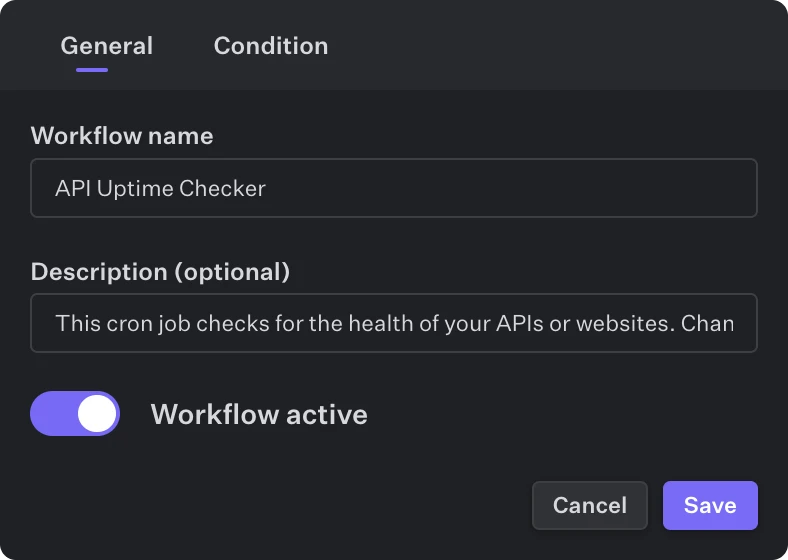
The Top Action lets you specify a name and description. The toggle lets you activate and deactivate the workflow. If a workflow is not toggled as active, it won't execute.
When creating a new workflow, it will be toggled as active per default. However, you need to deploy your workflow at least once for it to be live and executing.
As for the time condition, you are able to specifiy any time intervall or specific date for your workflow to be executing.
Similarly to the API Builder, you are able to use the [Debug Mode](/developer-tools/debug) to directly test and debug your workflow.
Deploy your cron job with one click and the workflows will instantly be live and hosted.
## Video Guide
### Feature Overview
### Example
 The
The 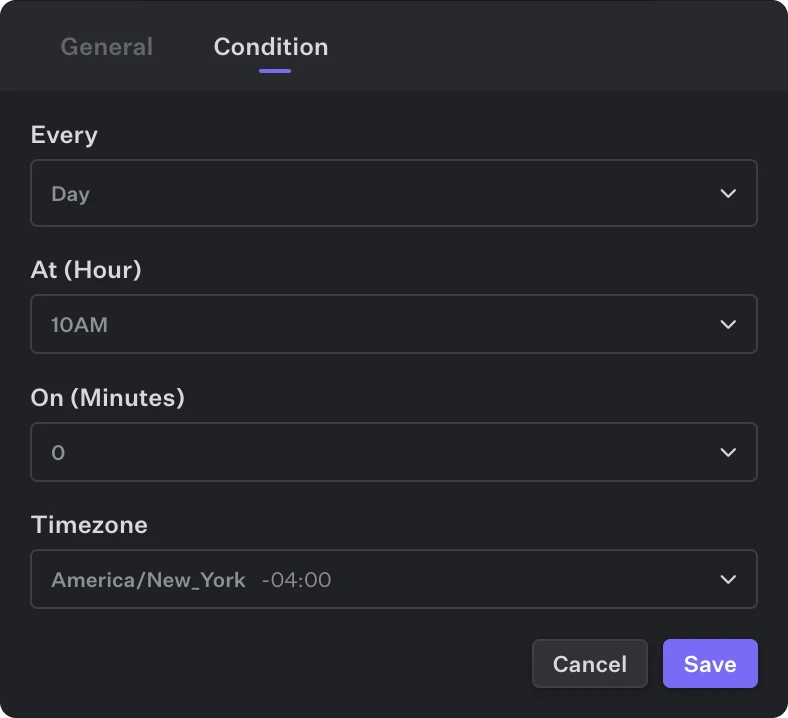 As for the time condition, you are able to specifiy any time intervall or specific date for your workflow to be executing.
 ## Overview
Utilizing the same drag and drop interface as the [API Builder](/getting-started/first-api-route) Fastgen enables you to quickly create, test and deploy scheduled and repeating jobs.
### Let's build a cron job
## Overview
Utilizing the same drag and drop interface as the [API Builder](/getting-started/first-api-route) Fastgen enables you to quickly create, test and deploy scheduled and repeating jobs.
### Let's build a cron job